Umber for iPhone & iPad
Good plans.
Better together.
Plan your weekend, find a date-night spot, or get your friends together. Choose the mood and budget, discover places, and turn a shared invitation into a plan.
Free download with optional Umber Plus subscriptions. The App Store listing opens when Umber is released.
How it works
Three steps from undecided to a plan.
- 1
Choose
Set the people, mood, timing, budget, and location.
- 2
Compare
Review a focused set of places or at-home options.
- 3
Make it happen
Invite friends, vote on an idea and time, and confirm the plan together.
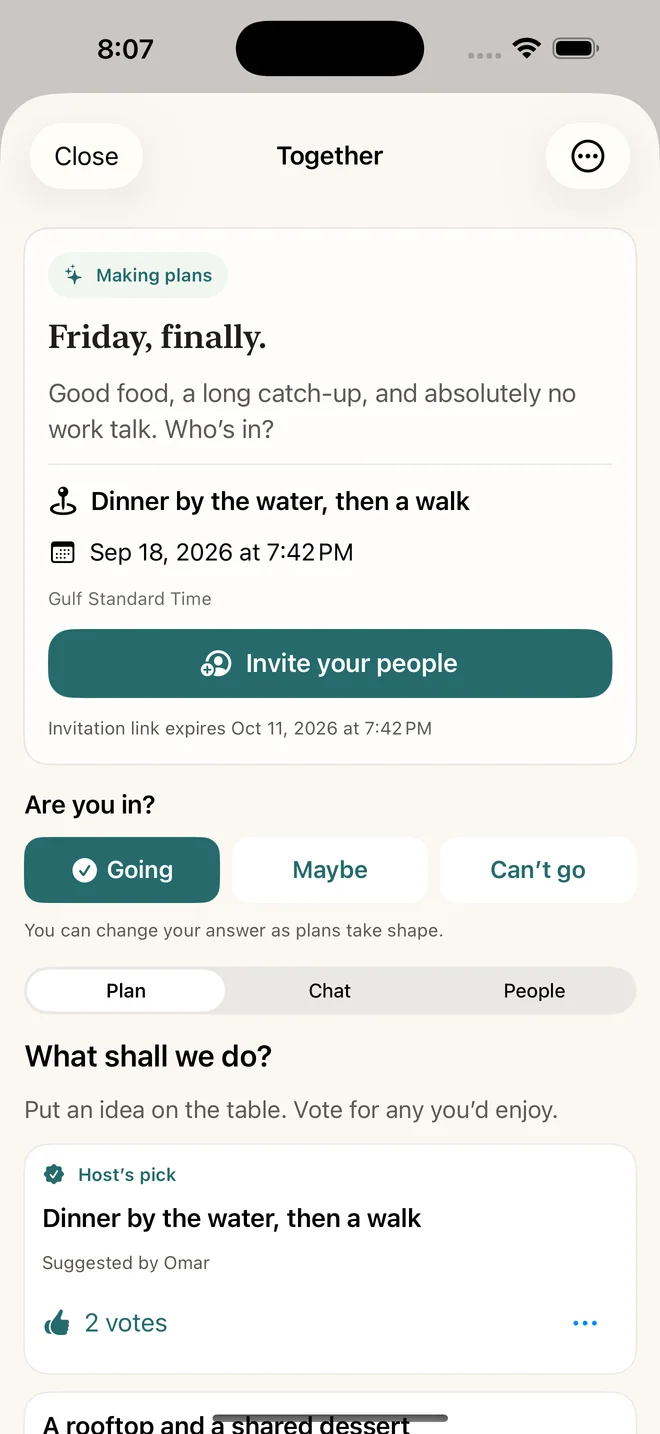
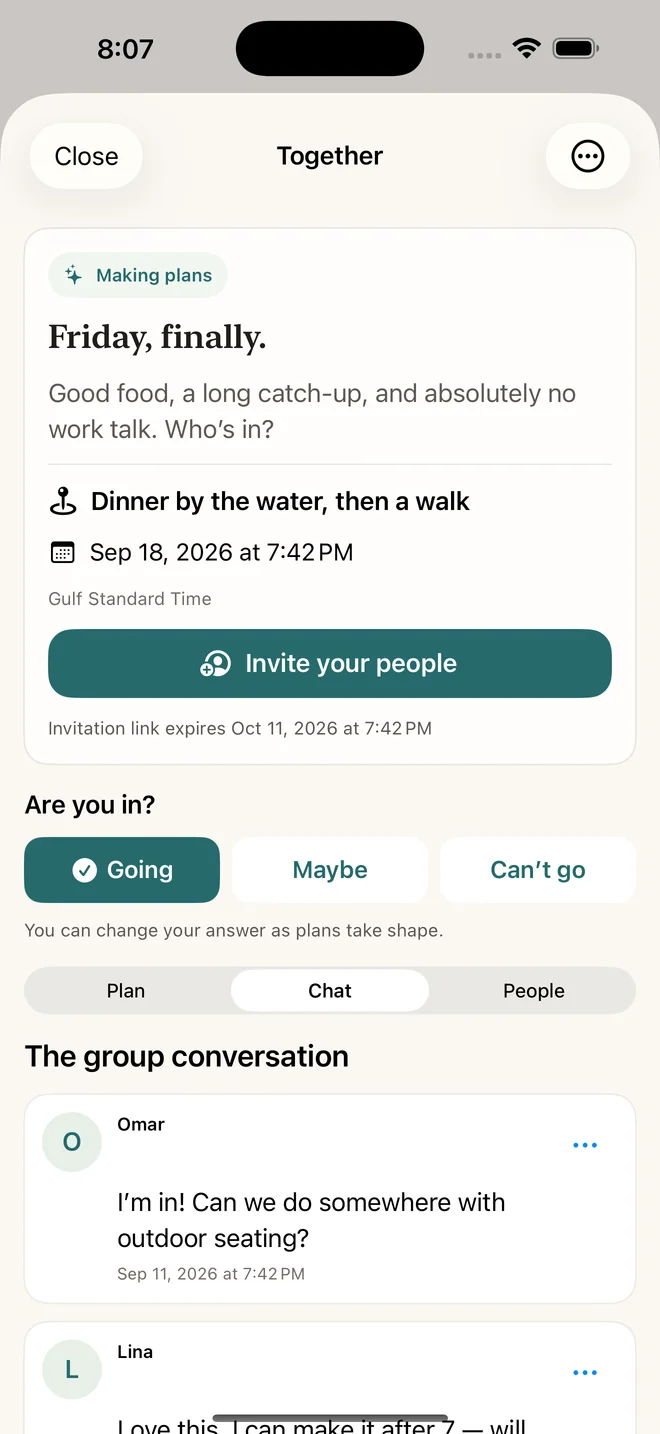
Plan with friends in one shared space.
Send a private invitation link. Your friends can preview the plan before joining, suggest ideas and times, vote, RSVP and chat. The host confirms the details when everyone is ready.
Join with Sign in with Apple. Reporting and blocking controls are available inside each plan.
Plan in another city before you arrive.
Travel mode with Umber Plus lets you choose a destination, discover places and plan an outing in the city's local time. Bring your friends into the plan wherever you are heading.
Learn about Travel and Plus →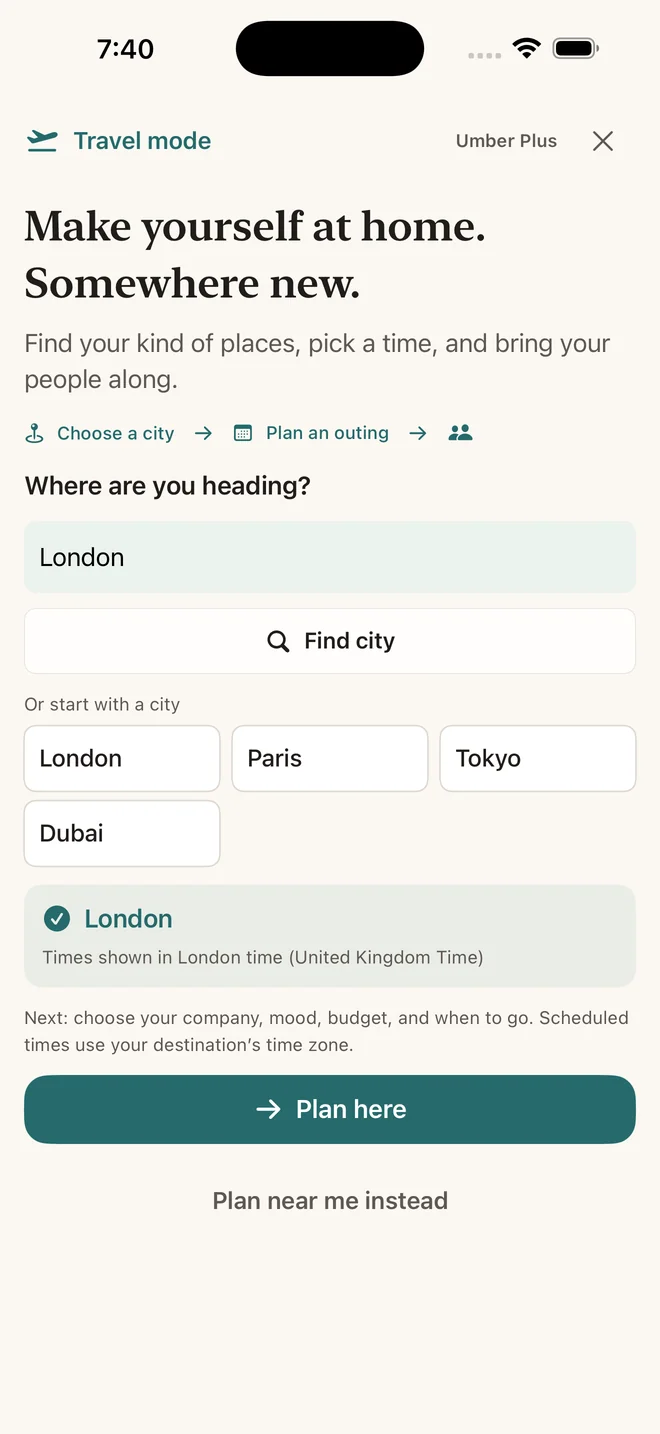
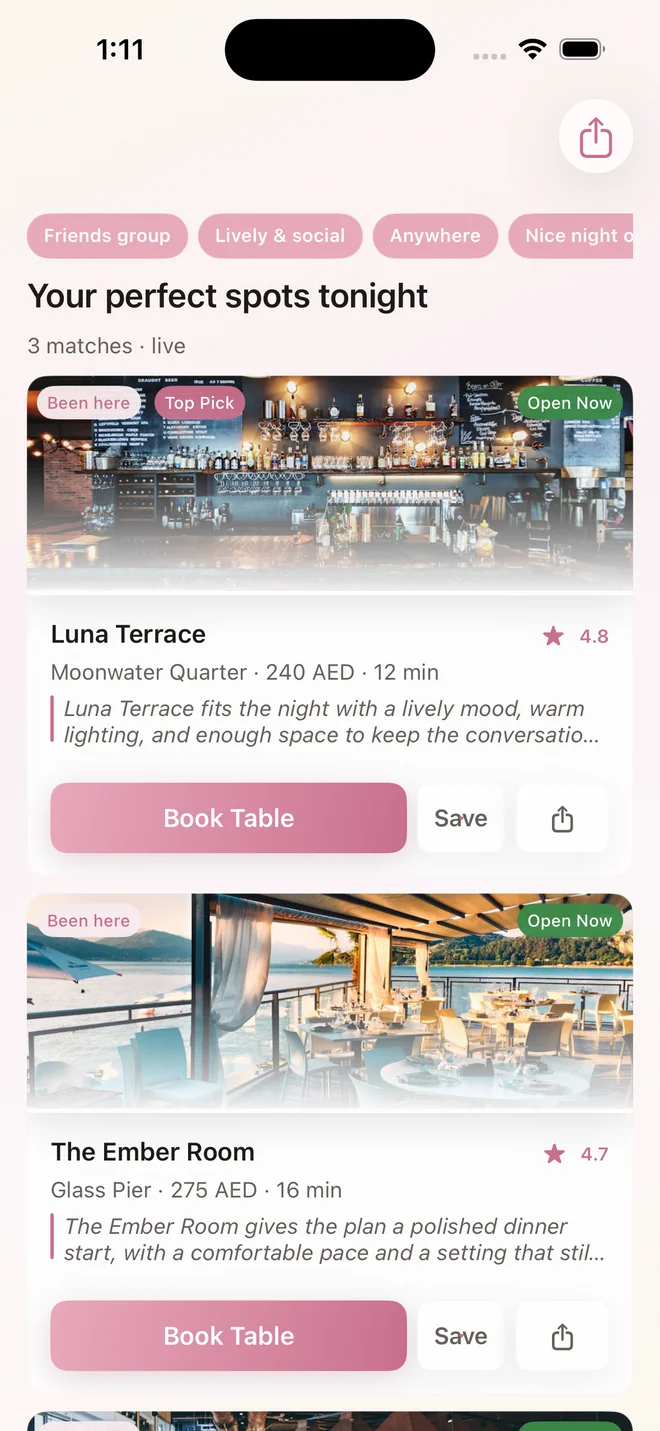
A short list, with the details that matter.
Compare place, area, price, hours, and weather when those details are available. Open Maps when you are ready to leave.
Browse by the kind of place you want.
Start with rooftops, cafés, dining, waterfront spots, desert experiences, and more.
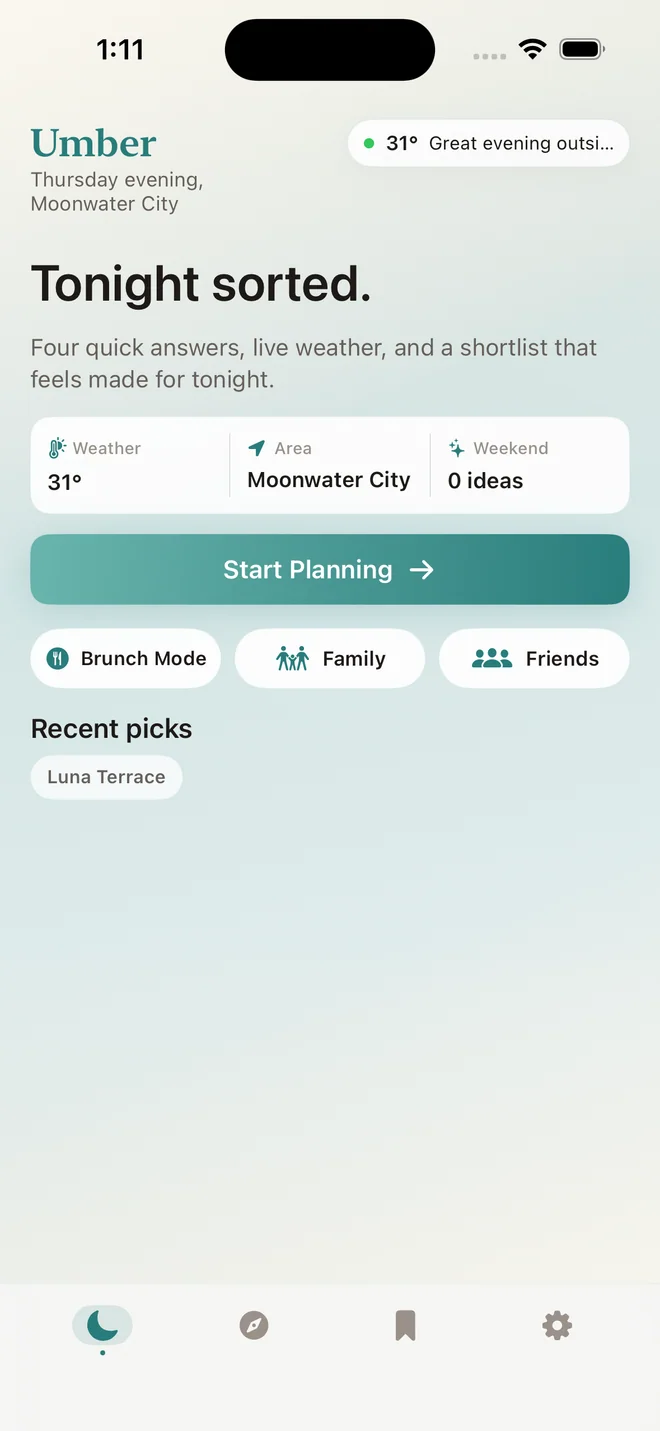
Plan a date without starting from a blank page.
Choose a direction, set the practical details, and find matching places when the plan needs one.
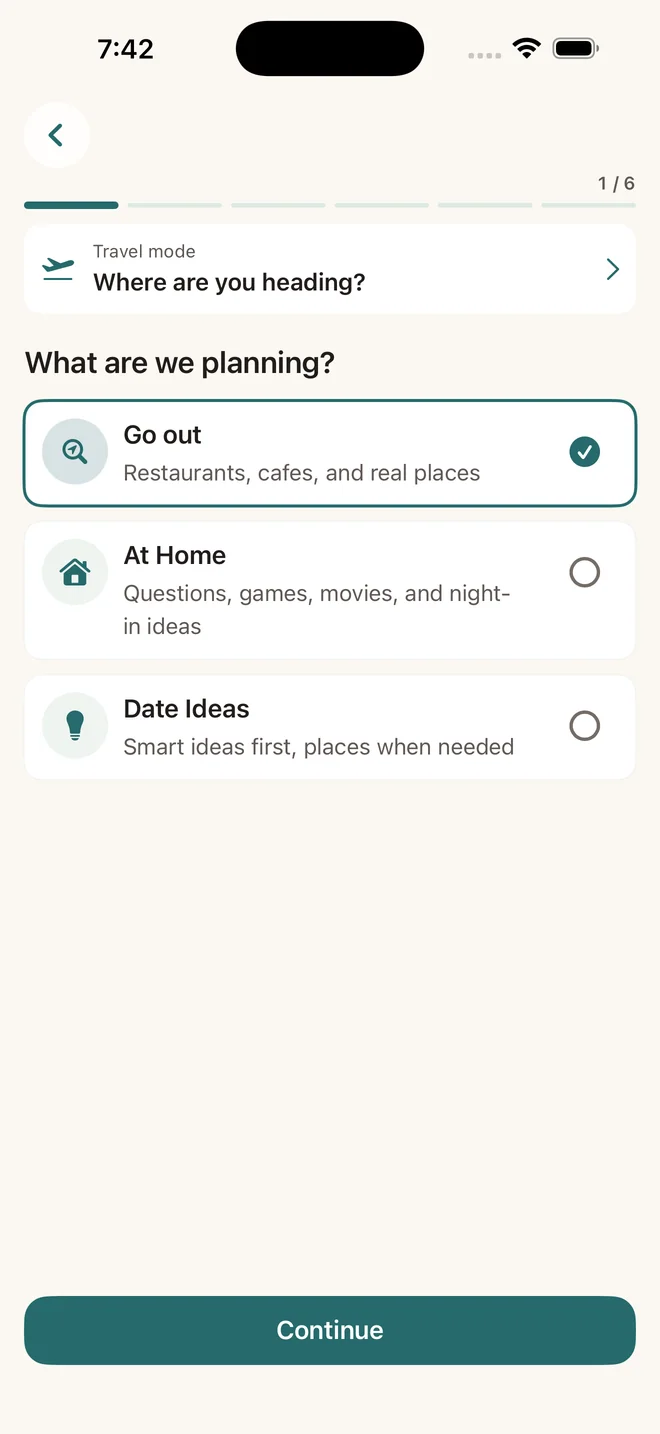
Staying in is still a plan.
Use question decks, activities, movie ideas, and optional nearby delivery pairings.
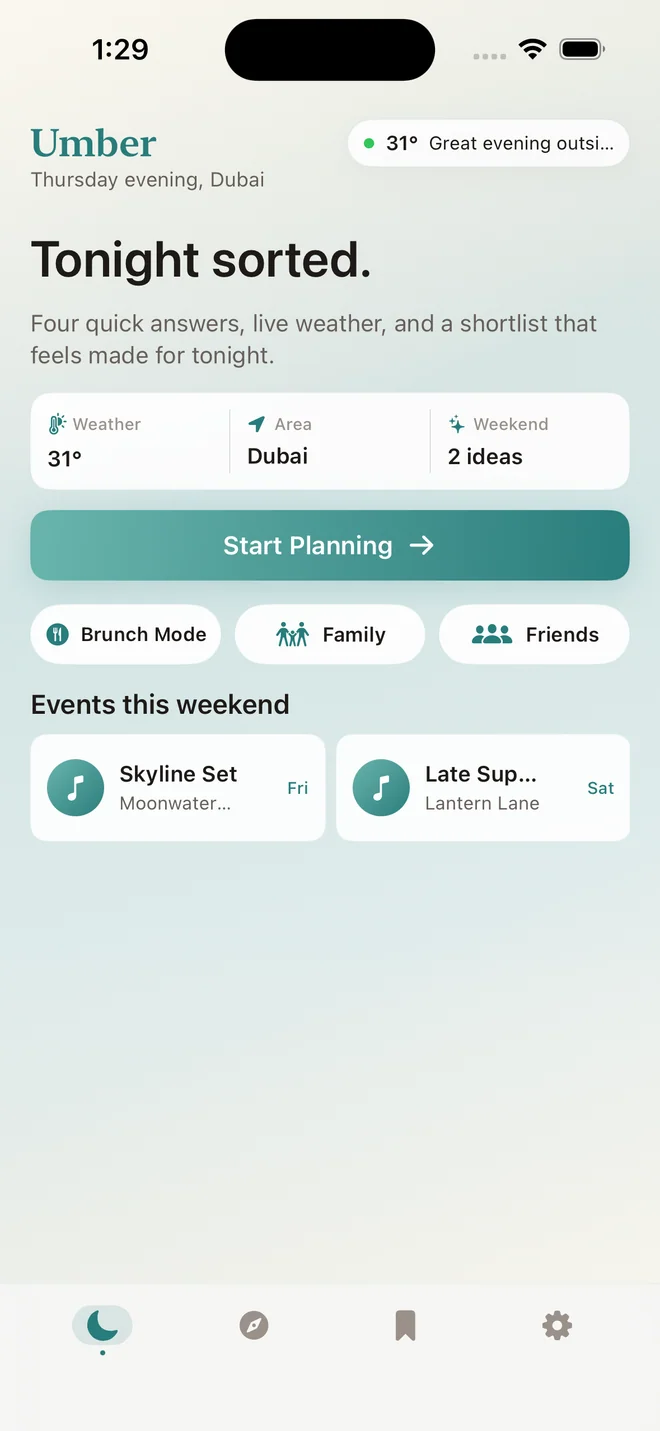
A few useful answers
Planning with Umber.
What can I plan with Umber?
Weekend outings, date nights, meals with friends and nights in. Explore restaurants, cafés and activities, save your favourites, or create a shared plan for your group.
How do invitations work?
Create a plan in the Together tab and share its private link. Friends preview it, then sign in with Apple and choose to join. Everyone can suggest ideas and times, vote, RSVP and chat before the host confirms the plan.
Is Umber free?
Umber is free to download with basic planning and shared-plan allowances. Optional weekly, monthly and annual Umber Plus subscriptions unlock the same extra features, including Travel mode, additional date styles, movie recommendations and higher planning and sharing allowances. Prices are shown in the app before purchase.
Can I plan a trip in another city?
Travel mode helps you plan outings in a destination city, with dates and times shown in that city's time zone. It does not book travel, accommodation or restaurants, or provide a verified multi-day itinerary.
Do I need an account or location access?
You can browse and plan without an account, and choose a city manually instead of allowing location access. Shared plans require Sign in with Apple. Umber does not use your data for advertising tracking. Read the Privacy Policy for details.
Which devices and languages does Umber support?
Umber is designed for iPhone and iPad running iOS 17 or iPadOS 17 and later. The app supports English and Arabic, with light and dark appearances.